

One UI 8.5 Update Reveals New Battery Indicator Customization Options
Samsung’s One UI 8.5 upgrade changes how the battery is displayed in the status bar, offering flexible options and a modern, cleaner design.
image for illustrative purpose
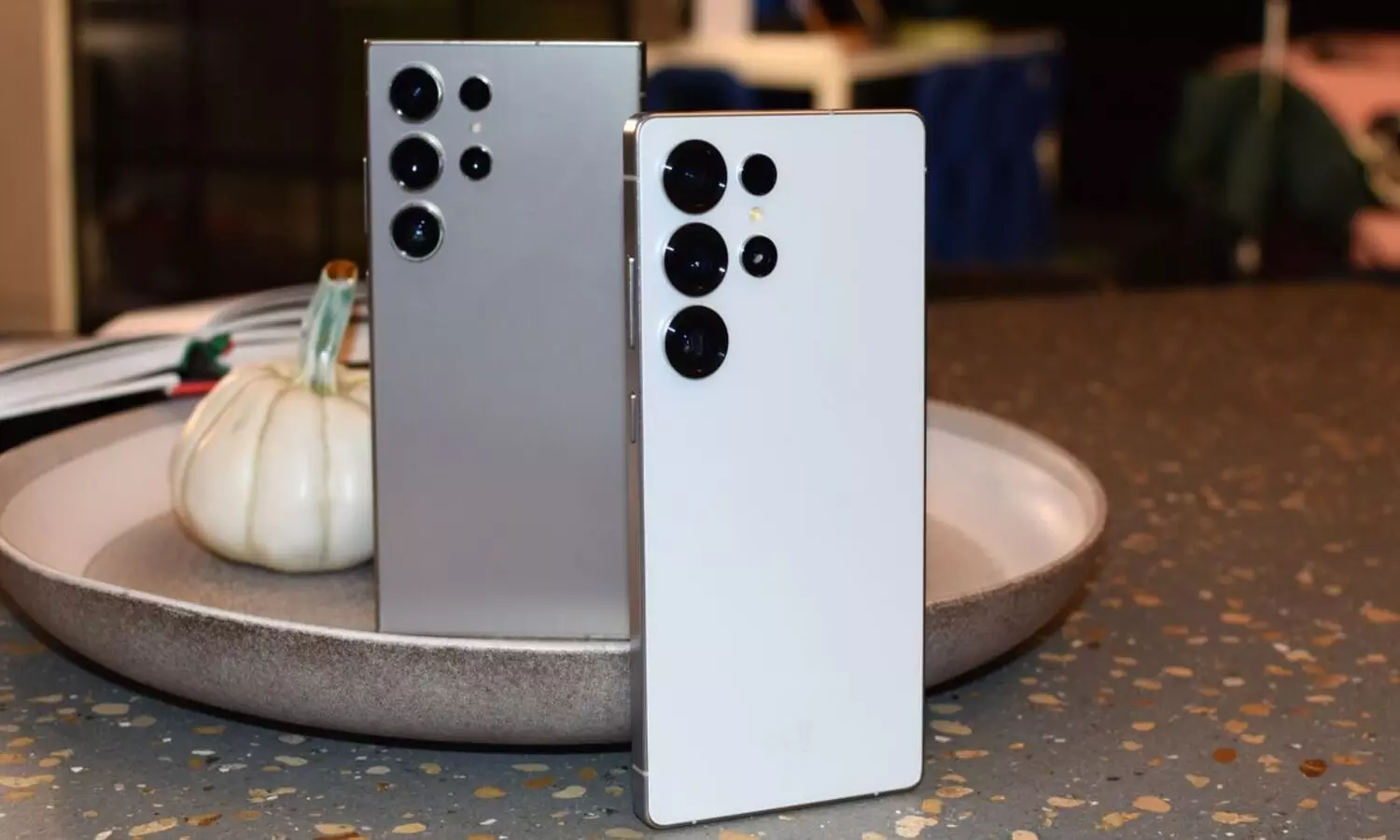
The update of One UI 8.5 by Samsung has been one of the top visual changes of the company in the last decade. This update, which is not like a usual mid-cycle update, brings along a lot of interface refinements and design changes that were normally only done in major One UI or Android version upgrades.
One of the very small but very noticeable changes is the improved battery readout in the status bar. In the previous One UI versions, users were only provided with two options: either to display the battery percentage as a number or to hide it completely, just the pill-shaped battery icon was visible. The battery display in One UI 8.5 is not that rigid anymore; it comes with a more flexible approach.
The battery percentage will always be shown in a more or less way, but at the same time users can control the look of the pill-shaped icon. Certainly, the users who love the minimalist look can switch off the pill, thus, just leaving the numeric battery with the % sign. The more traditional view, on the other hand, the icon can stay on with a background.
It is an easy process to change this feature. The user has to go to Settings > Notifications > Status bar, there the option Show battery background can be switched on or off to toggle between the two styles.
What Samsung has done by this update is to give the users more power with interface elements while keeping the eye-catching modern look of One UI subtly. The early birds who availed this update are already a mix of functional refinements and design upgrades, and this is antonymous of the way Samsung has been approaching incremental updates.





