

New ‘Tiny Takeover’ Update Lands in Minecraft Bedrock 26.10 — How to Install Today
Minecraft Bedrock 26.10 is about to update to bring Tiny Takeover. There are changes for the baby mobs and quality-of-life improvements.
Minecraft Bedrock 1.26.10 ‘Tiny Takeover’ update rolls out with new features and gameplay tweaks—here’s how players can download and install it today.
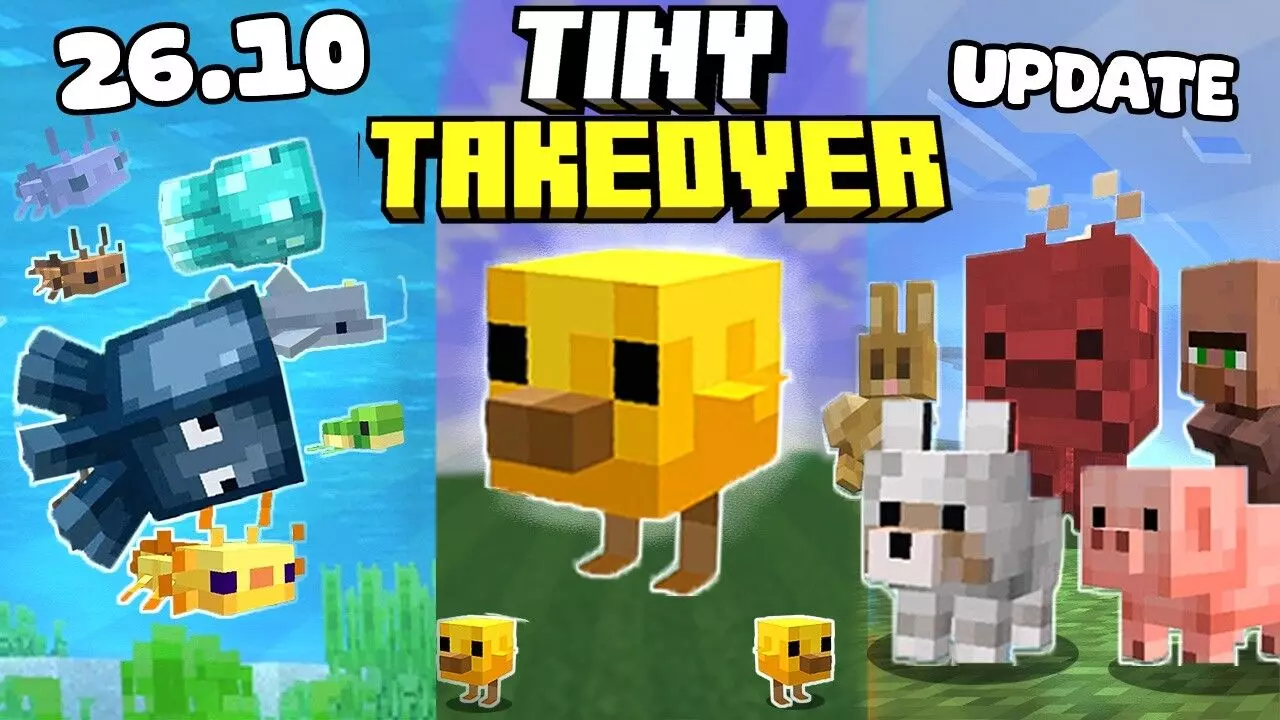
As per the Minecraft update 2026, Mojang has released the Minecraft Bedrock 26.10 update. The update is available across different platforms. The update brings the Tiny Takeover drop, modifications to baby mobs, and more gameplay updates. Now, it is offered for consoles, PC, and mobile devices. The users of minecraft can easily download the update from specific platform stores.
The steps are to download the game on PlayStation, PC, Xbox, Nintendo, Android and iOS.
The “Minecraft baby mobs update” brings the refined behaviors and visual tweaks for baby animals and mobs. It is about to make them quite interactive and engaging in the game world. Alongside these alters, players can also imagine smoother performance, small bug fixes, and gameplay balancing. It is aimed at improving the overall practice across devices.
Now, the update is available on all major platforms. It includes consoles, PC, and mobile devices. The installing of the update is quick and straightforward.
How to download the Minecraft Bedrock update
To download the Mojang Bedrock update guide, players on PlayStation and Xbox can head to their game library, choose Minecraft, and look for the updates through the options menu. Nintendo Switch users can push the “+” button on the game icon and select “Software Update.” On a Windows PC, all you need to open the Microsoft Store or Minecraft Launcher and update the game from there. The mobile users on Android and iOS can visit the Google Play Store or Apple App Store. You should look for the Minecraft and tap the update button if available.
With its appealing additions and performance upgrades, the Tiny Takeover update gives the new and returning players a fresh reason to jump back into Minecraft’s ever-evolving world.





