

iOS 26.1 Is Here: What iPhone Owners Must Know Before Updating
Apple’s iOS 26.1 update is now prioritized. Check which iPhones are eligible, key features, and how to upgrade safely in a few simple steps.
image for illustrative purpose
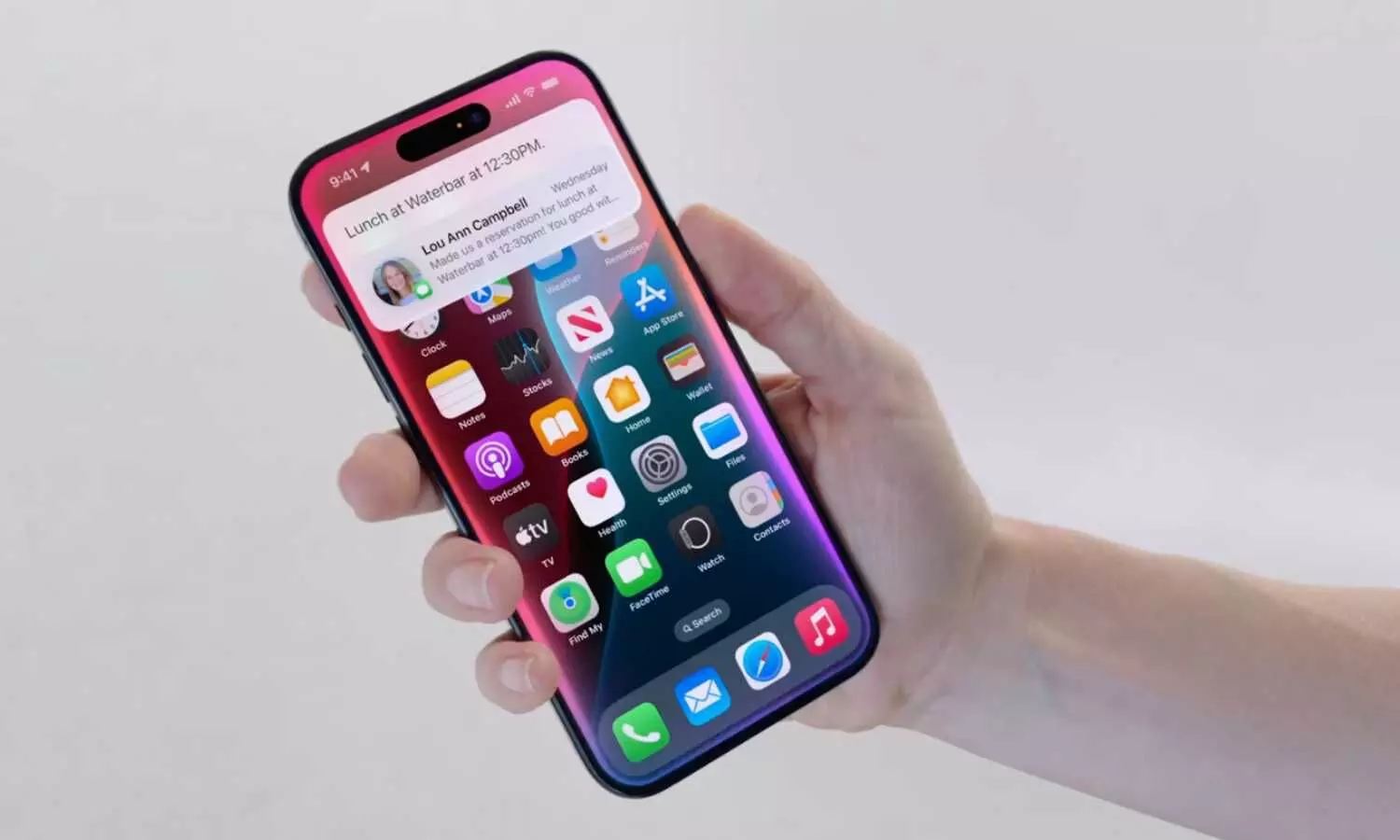
Apple has now made the suggestion that every iPhone user who has any version of the iOS 18 operating system should immediately switch to iOS 26.1. The Software Update area has been arranged in such a way that the iOS 26.1 appears at the top, while the older versions such as the iOS 18.7.2 are placed in another part of the screen. Earlier, the iOS 26 upgrades were not mandatory and were shown at the bottom of the Settings menu.
iOS 26 was released in September and was offered as an option for users to update their devices. At the same time, the major version iOS 18.7 was showing at the top of the list, while iOS 26 was indicated in a small, optional banner below. The same pattern of ordering was followed with the new release of iOS 26.1 and subsequent release of iOS 18.7.2. Now, it is the iOS 26.1 version that is at the top of the Software Update page as it is the primary choice of users.
Users who are still on iOS 18 may be notified through a badge on the Settings app suggesting that they update to the latest version. Notifications for major OS updates like iOS 26.1 will not be removed automatically even if the Automatic Updates option is selected. Users have to confirm installation manually.
Procedure for Updating
- Begin by launching the Settings application.
- Proceed to General and select Software Update.
- The iOS 26.1 update will now be visible at the top.
- Select Download and Install.
- Decide whether to install right away, set a time, or ask for a reminder later.
The List of iPhones that can be Updated to iOS 26.1
iPhone 17 series: 17, 17 Pro, 17 Pro Max, 17 Air
iPhone 16 series: 16, 16 Plus, 16 Pro, 16 Pro Max, 16e
iPhone 15 series: 15, 15 Plus, 15 Pro, 15 Pro Max
iPhone 14 series: 14, 14 Plus, 14 Pro, 14 Pro Max
iPhone 13 series: 13, 13 mini, 13 Pro, 13 Pro Max
iPhone 12 series: 12, 12 mini, 12 Pro, 12 Pro Max
iPhone 11 series: 11, 11 Pro, 11 Pro Max
iPhone SE: 2nd generation and later
The upgrade from iOS 18 to iOS 26.1 means that the user is not only getting the latest updates but also the entire experience that was developed over the course of the previous iOS 26 release cycle.
User Interface Updates:
Liquid Glass design: Translucent layers, fluid animations, a new clock on the lock screen, and an option for clear icons.
Homescreen & Lockscreen: A floating dock and customisation tools for widgets and wallpapers.
Safari: A translucent bottom bar that disappears when scrolling.
Camera: A streamlined two-mode interface with options for the swipe.
Photos: A two-tab interface layout, an advanced search function, and spatial photos supported.
Preview App: A screenshot editing and annotation tool like the one in macOS.
Apple Intelligence Features:
Live call translation with captions and visual cues.
On-screen visual intelligence to perform actions from screenshots.
Call recording with transcripts stored in Notes.
Hold Assist for call minimization and audio transcription.
Image Playground for AI-generated visuals in styles like Anime and Oil Painting.
Smarter AI tools for custom emojis, contextual actions, automated Mail tracking.
Third-party apps can integrate Apple Intelligence safely under Apple’s privacy rules.
System and App Enhancements:
Phone: Unified layout for Recents, Favorites, Voicemails, Call Screening, and Hold Assist.
Messages: Contact verification, polls, Apple Cash, and group typing indicators.
Apple Games: Central hub for titles, achievements, and the Apple Arcade.
CarPlay: Compact call UI, pinned conversations, widgets, Live Activities, and CarPlay Ultra support.
Apple Music: Offline lyrics, AutoMix improvements, and swipe gestures in MiniPlayer.
Maps: Encrypted location history.
Wallet: Real-time flight and travel notifications.
AirPods: Voice isolation, studio-grade recording, and remote camera control.
Accessibility: Expanded Braille, Personal Voice, Live Listen, and enhanced reader tools.
iOS 26.1 Specific Updates
Liquid Glass opacity adjustments for better readability.
Lock Screen swipe-to-camera toggle.
Live Translation feature in AirPods in Chinese, Italian, Japanese, and Korean expanded.
Apple Music MiniPlayer swipe gestures and AirPlay AutoMix support.
Local Capture tools for external USB microphones with storage and gain adjustment options.
Fitness app manual workout logging, FaceTime audio enhancements, new Apple TV branding, and “slide to stop” feature for alarms and timers.
Apple's revamped Software Update page is a clear signal from Apple for users to upgrade from iOS 18 to the latest OS, promoting the main Improvements and the compatibility of devices from iPhone SE (2nd gen) to iPhone 17 series.





