

How to Install iOS 26.3 on iPhone: Easy Step-by-Step Guide
Learn how to download and install iOS 26.3 public beta on your iPhone. Simple steps, eligibility details, and what to check before updating.
image for illustrative purpose
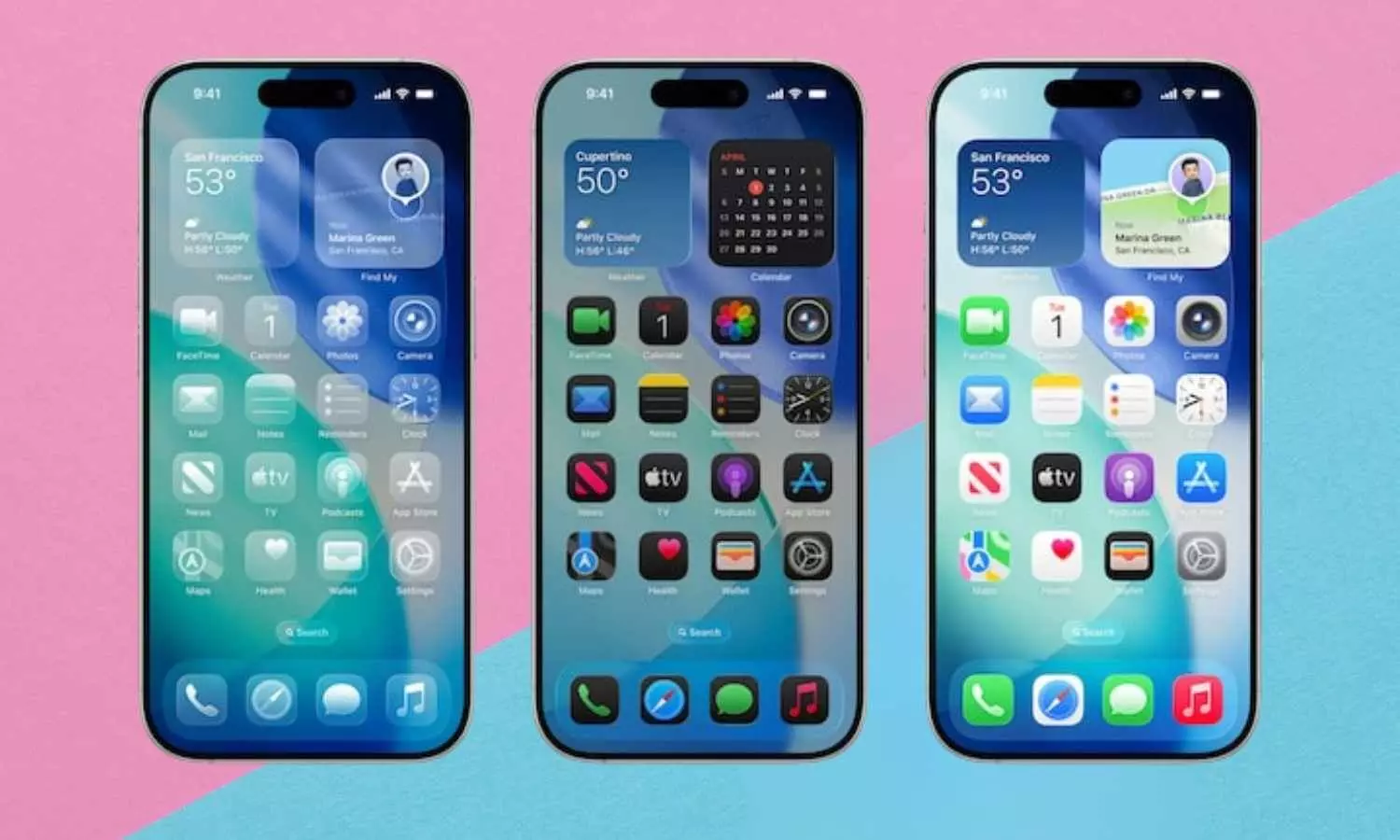
Apple has opened the doors to its newest iPhone test firmware, making iOS 26.3 public beta version available. This update was released shortly after the iOS 26.2 was made available for regular users. It is also a step ahead of the company's projection for the stable rollout in 2026.
The public beta is open to all iPhone users who have signed up for Apple's testing program. The update is not a complete overhaul of daily iPhone use but rather includes system-wide changes related to wallpapers, notifications, and switching between devices.
Apple seems to be keeping on with the same enrollment method every time for public testing. Users will have to register their Apple ID through the company's beta portal and associate their iPhone with that program. After this, the update will be accessible via the usual software update route on the phone. Once it is chosen, the beta version installs like a regular system update.
Apple warns users to do a backup of their data before they install the beta software, as pre-releases may have bugs or incomplete features.
The update comes with a completely new Wallpapers section. Apple has created one category for Weather and Astronomy backgrounds each rather than combining them. A few more Weather wallpapers have been added and the rest of the options remain the same.
Another aspect of the update is aimed at notification delivery, iOS 26.3 made it possible for notifications to be sent to third-party smartwatches and fitness trackers. And not only Apple Watch users can enjoy this feature now. This change allows non-Apple wearable users to get notifications without the need to constantly check their phones. But, at the moment, this feature is available only for the users in the European Union.
The change in notification for wearables has been introduced by Apple as a part of the European Union’s Digital Markets Act compliance which mandates wider interoperability among the platforms. The company has yet to confirm if this feature will be available in other parts of the world, including the U.S.
Switching between iOS and Android phones is now easier.
The most significant system update in iOS 26.3 is a result of the collaboration between Apple and Google. The new procedure makes it easier to transfer data from iPhones to Android devices and vice versa. The users will just have to keep the two phones close to one another and through a wireless connection, they will be able to transfer messages, photos, notes, apps, and even contacts.
This method of data transfer altogether replaces the earlier ones that needed separate applications for transferring and involved a lot of manual steps.
Apple is likely to keep improving iOS 26.3 during the beta phase until its final release next year.





