

Android QPR3 Beta 1 Hits Pixel Devices: Remove Widgets and See Location Use
Install Android QPR3 Beta 1 on your Pixel. Control flashlight, declutter home screen, and see which apps use your location in real time.
image for illustrative purpose
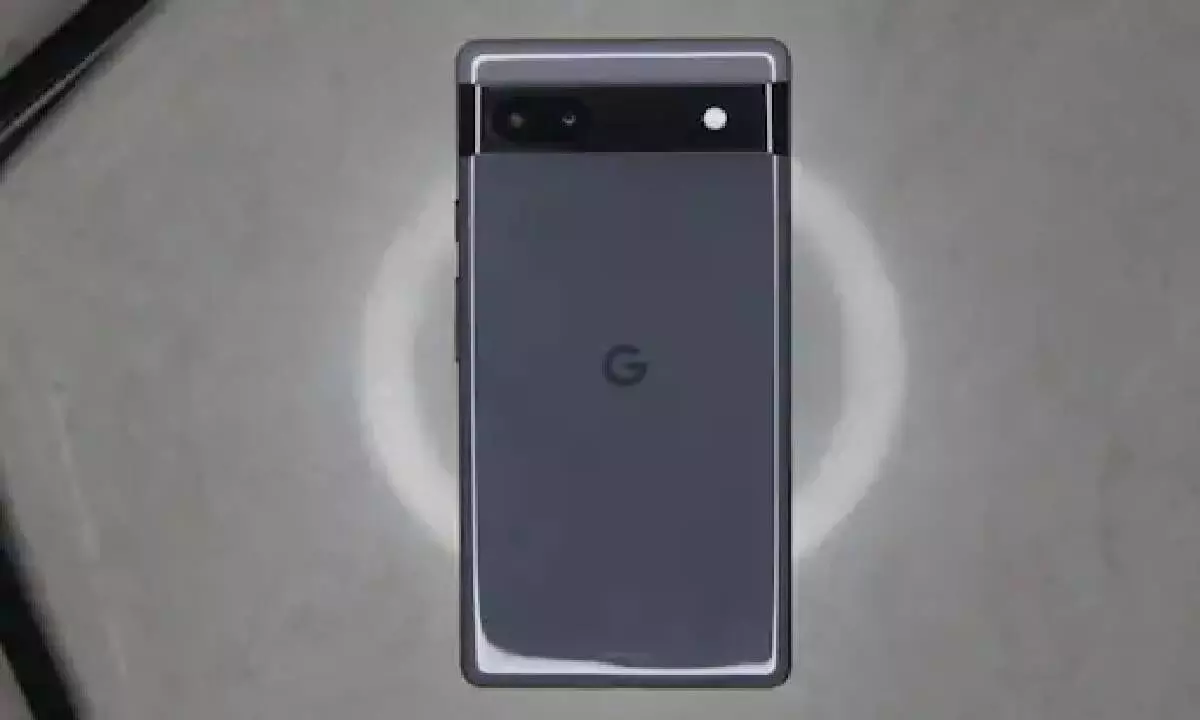
Google has given pixel users as part of the Android Beta Program access to the first beta version of its QPR3 update. This update is a preview of the changes to be released in the coming months, and the full rollout is expected to be in early next year.
New features and minor adjustments are part of the QPR3 Beta 1 to increase user satisfaction. Although the update addresses largely the maintenance, a few changes are quite noticeable and indicate improvements that will come in future releases.
Devices Eligible for QPR3 Beta 1
Only Pixel devices from the Pixel 6 and onwards are eligible for the update. The list of supported devices is as follows:
Pixel 6, 6 Pro, and 6a
Pixel 7, 7 Pro, and 7a
Pixel Fold and Pixel Tablet
Pixel 8, 8 Pro, and 8a
Pixel 9 series: 9, 9 Pro, 9 Pro XL, 9 Pro Fold, 9a
Pixel 10 series: 10, 10 Pro, 10 Pro XL, 10 Pro Fold
The vertical slider to set the flashlight brightness has been incorporated in the list of visible change in the update, and that would grant users control over the brightness with accuracy. The implementation of this feature can be compared with the iOS’s flashlight adjustment which provides the option for softer or more intense lighting according to the scenario.
Moreover, the update has made it possible for users to bypass the At A Glance widget that has been on their home screens for a long time. This widget, which was previously non-removable, let users see weather, calendar events, Pixel Watch notifications, and flashlight controls at a glance. With the QPR3 Beta 1 release, users can create a neat environment on their screens by getting rid of the widget.
Privacy in the context of location notifications is another significant area of change. Users can now spot a blue tag when an app is using the location data. This addition is on par with the way the microphone and camera usage is shown, which makes it easier to keep track of privacy settings. The previous method of indicating location access through a small icon in the status bar was not only inconvenient but also easy to ignore.
How to Install QPR3 Beta 1
Initially, Pixel phone users had to join the Android Beta Program to get the update. However, the process of installing was very simple.
1. Go to the Android Beta Program website.
2. Use a Google account to sign in.
3. Find the eligible devices that are associated with your account.
4. Hit “opt in” next to your device to get the beta update.
The user will receive a notification from the device that the beta update can be downloaded and installed after the enrollment.





