

Android 16 QPR3 Beta 1: Pixel Users Can Now Adjust Flashlight and Button Order
Discover Android 16 QPR3 Beta 1: adjustable flashlight, flipped navigation buttons, location tracking visibility, wireless ADB auto-reconnect, screen casting.
image for illustrative purpose
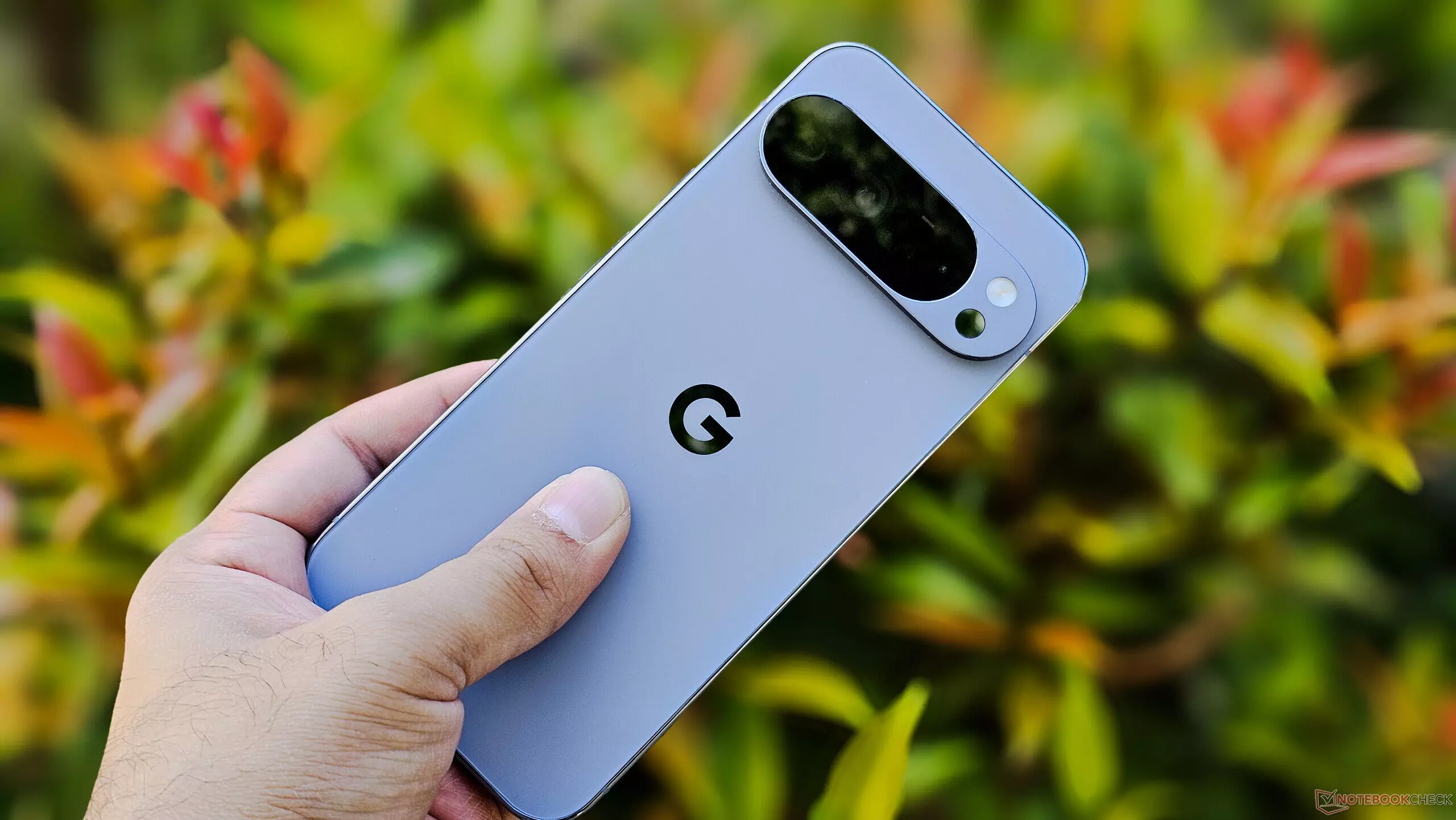
Google today has made the first beta of the third quarterly update, QPR3, for Android 16 available. Despite not publishing a comprehensive changelog, the hands-on testing on the Pixel phones pointed out different bug fixes and minor improvements that are primarily aimed at making the devices' usability and making the life of developers easier.
The Quick Settings flashlight tile is one of the most obvious updates. Long-pressing on the tile allows users to reveal a vertical brightness slider with increased power options. The moving upward of the slider brings forth a graphical arc indicating the light's strength. The feature was previously tried out in the Android 2510 Canary build, but now in QPR3 Beta 1 there is a prominent top-level marker for maximum brightness.
Navigation personalisation gets an additional feature, too. Pixel users can now even reposition the back and recent buttons in the three-button navigation bar as they wish. The new position resembles that of many Samsung devices and can be activated through Settings > System > Navigation mode by clicking on the gear icon next to the 3-button navigation option.
The status bar indicator for location tracking has been upgraded to an expandable version that is more informative. Clicking on it will show the apps that are using the device's location, in addition to the app usage for microphone and camera that is already displayed. In this way, users will be able to keep an eye on app permissions in a much simpler fashion.
For developers and power users, the wireless ADB has been receiving a useful adjustment. QPR3 Beta 1 for Android 16 reconnects automatically the wireless debugging when the device connects to a trusted network. The feature used to be deactivated after a certain period of time without being used requiring the user to enable it again either through Developer Options or Quick Settings.
The external display features have also been enlarged by the update. After the main feature of recording screen content which was made available in June along with Android 16, QPR3 Beta 1 now supports users to display their device’s screen on external displays, thus making it even more flexible for presentations and media sharing.
No official changelog has been issued by Google, nevertheless, these hands-on observations give a clearer picture of the enhancements that are small yet significant, and that are mainly related to personalization, transparency, and developer’s comfort. The Pixel users who are in a hurry to discover these new features can go for the beta installation, but it is also possible that some changes will take place before the final QPR3 release.





