

How to Use AI to Make Your Phone Photos Look Professional
The advantage of modern AI photo tools is their availability. The results can be comparable to professional editing suites and it can be done on a free AI Photo Enhancer and you do not need to download anything to do so.
image for illustrative purpose
The phone is loaded with amazing camera features, but still, those images in your daily life do not always reflect the magic you have perceived independently. Perhaps the lighting was bad or the picture was smeary or the colors are flat and not inspiring. The good news? There is no longer any need to have these issues fixed by means of fancy editing software or years of photography schooling. Artificial intelligence has transformed the photo improvement process and anyone can now convert their normal photos in their phones into high-quality looking photos in a few seconds.
The AI Enhancement of Photos Revolution.
The old method of editing photos was time-consuming, labour-intensive and usually expensive such as Photoshop. You spent hours on slider adjustment and curve creation, and meticulously detailing everything. This whole equation is changed by AI which examines millions of photos to know what a photo should appear professional. Such algorithms can automatically detect issues with your images, be it noise, blur, bad lighting, or faded colors, and can automatically make some advanced corrections, which would take a human editor much time to attain.
The advantage of modern AI photo tools is their availability. The results can be comparable to professional editing suites and it can be done on a free AI Photo Enhancer and you do not need to download anything to do so. These applications have now become highly user-friendly and are tailored towards individuals that desire to achieve impressive outcomes without being technologically savvy.
Learning How to Make Photos Unprofessional.
It is a good idea to identify the general problems that haunt phone photography before delving into solutions. Cameras in most smartphones fail to perform well in low-light situations producing grainy or noisy photographs. Motion blur occurs when your hand is slightly moving when you are capturing a photo or when your subject is on the move. Artifacts of compression are manifested when you share photographs via messaging apps or social media and decrease the overall quality. Lack of light may make your pictures appear pale and colors will not be the same as you recall their appearance.
These issues are accumulated over time. The ideal sunset picture of last year? It can be even worse this time since digital files can be corrupted, particularly when they have been squashed and shared severally. The resolution of old photographs on phones is also lower than on modern standards- what looked good on a small screen years ago now have pixelated images on larger and sharper screens.
Selecting an Appropriate AI Improvement Tool.
The work of not every AI photo enhancer is similar. Various tools are specific to various issues, and this is the reason why it is important to know what you need. In case of any blurred vacation photos you are going to need an Unblur Image feature that specifically deals with sharpening and detail restoration. Dark and grainy shots, which have been shot at a concert or a restaurant, should find tools that are good at noise removal and brightness adjustment.
The current AI systems usually have several improvement modes depending on the situation. The balanced mode is effective in making improvements on ordinary photos that are not excessive and in making them better in quality and color. Powerful enhancement modes implementively fix very low-quality images, especially when it is heavily damaged or when there is debilitating blur. In the case of old family pictures that have scratches, cracks, or discoloration then special restoration modes can be utilized to produce miraculous recoveries. When dealing with digital art or images of anime appearance, special settings can save the artistic style and enhance the quality.
The Improvement Process Simplified.
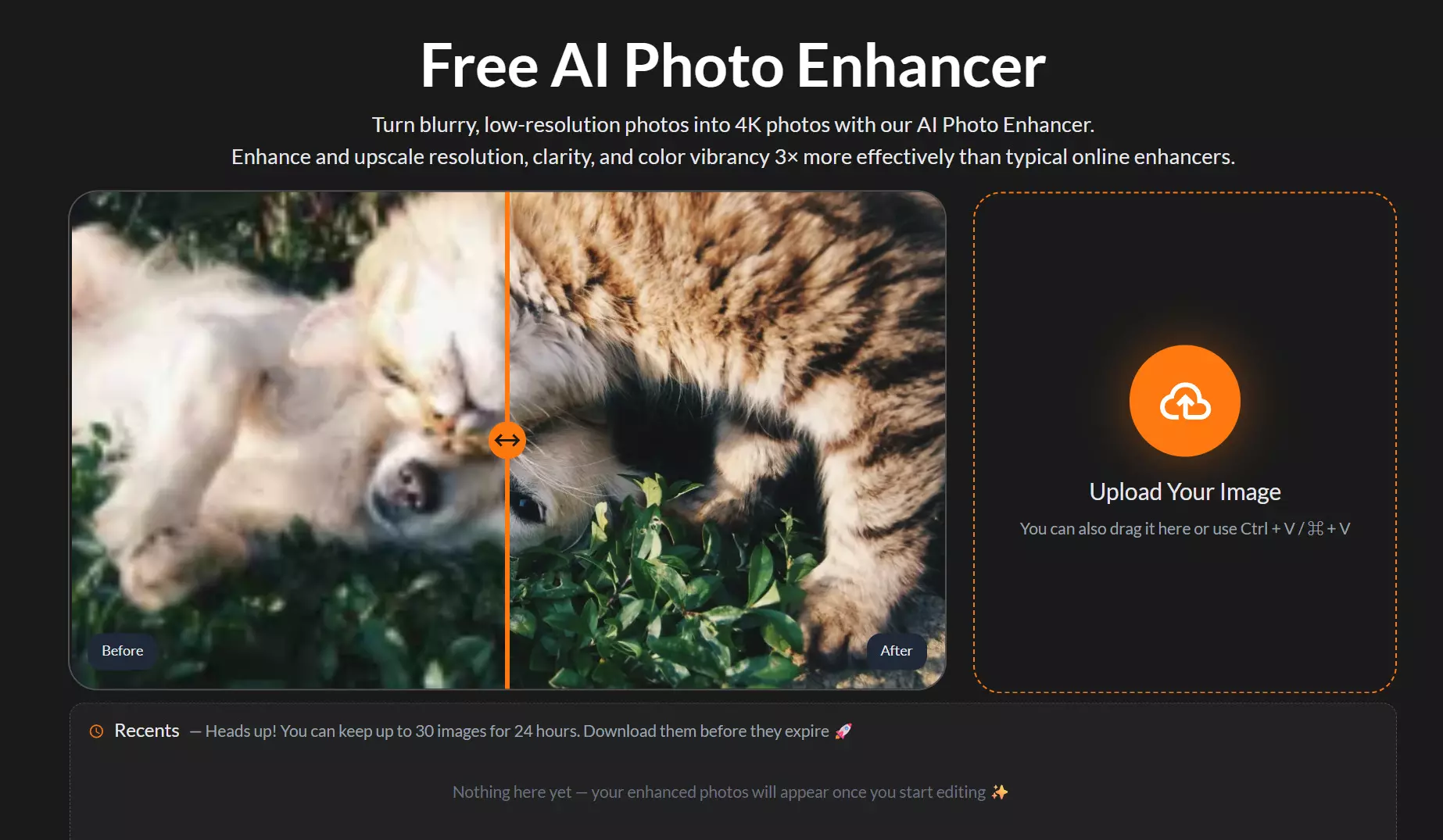
It is as easy as using AI to improve your pictures. The first stage is to upload the image to the enhancement platform most of the tools can accept images through drag-and-drop or through pasteing the picture on the clipboard. The AI studies your photo at once which reveals spots where it needs to be improved. In seconds, you will be able to compare your original picture and the improved one.
This preview phase is very important. It allows you to check that the improvement made on your photograph is not an artificial one, but instead it has made it look better. Sometimes AI tools may give you an unnatural appearance of the picture when the incorrect enhancement option is chosen, and this comparison will assist you in not making a mistake before downloading. The initial attempt is not always perfect so move to another enhancement mode. Perhaps you should have a stronger correction of your photo, or you want to be a bit more light.
Optimization of the outcomes of the various types of photos.
Portrait Photography: Skin tones, facial details are the two things that should be considered when improving the photo of people. Artificial intelligence is good at refining features without making them look unnatural. It has the ability to eliminate the noise in a camera making the skin look grainy and it does not remove natural texture. In case of group photos where an individual winked or shifted a bit, AI sharpening will still be able to save otherwise unsuitable photographs.
Landscape and Travel Photos: The color enhancement and clarity addition are of a great benefit to these photos. AI is able to reveal some details in a shadow and leave the highlight not to be high to make well-balanced exposure and demonstrate the beauty of a situation in its entirety. Detailed sky effects tend to become much better and the clouds are much more pronounced and vivid. The vegetation and water appear more beautiful and abundant after AI improvement.
Low-Light and Indoor Shots: The most dramatic changes could be noticed regarding the improvement of the pictures that are captured in adverse lighting conditions. AI is capable of illuminating dark images without noise, which is a trade-off that is hard to accomplish with the human eye. Dinners, evening events, and night scenes of the city can be made shareable following AI processing.
Conclusion
AI photo enhancement is a democratization of the professional image editing. Myths that used to cost me considerable money and a specific set of skills are now available to all people with a smartphone and an internet connection. Such tools are being continually enhanced, and every new generation of AI is smarter in knowing what creates great photos.
The only thing is to begin to use these tools. Use those dark, blurred out or old photos that have been lying in your camera roll and bring them back to life. Test various enhancement settings, discover what fits your particular kinds of images, and within a short time, you can be making images that appeared as though they were taken by a professional photographer, all at the comfort of your phone and without spending any money on it using a free AI application.
Your memories have something to be proud of. In the case of AI photo enhancement, it is no longer a possibility to make your phone photos look professional; it is easy, fast, and free.





