

How to Clean Noisy Audio from Meeting Recordings with AI
Using AI tools to remove background noise and enhance clarity in meeting recordings
AI-powered tools make it easy to clean noisy meeting recordings by removing background distractions and enhancing voice clarity, helping you produce professional-quality audio with minimal effort.
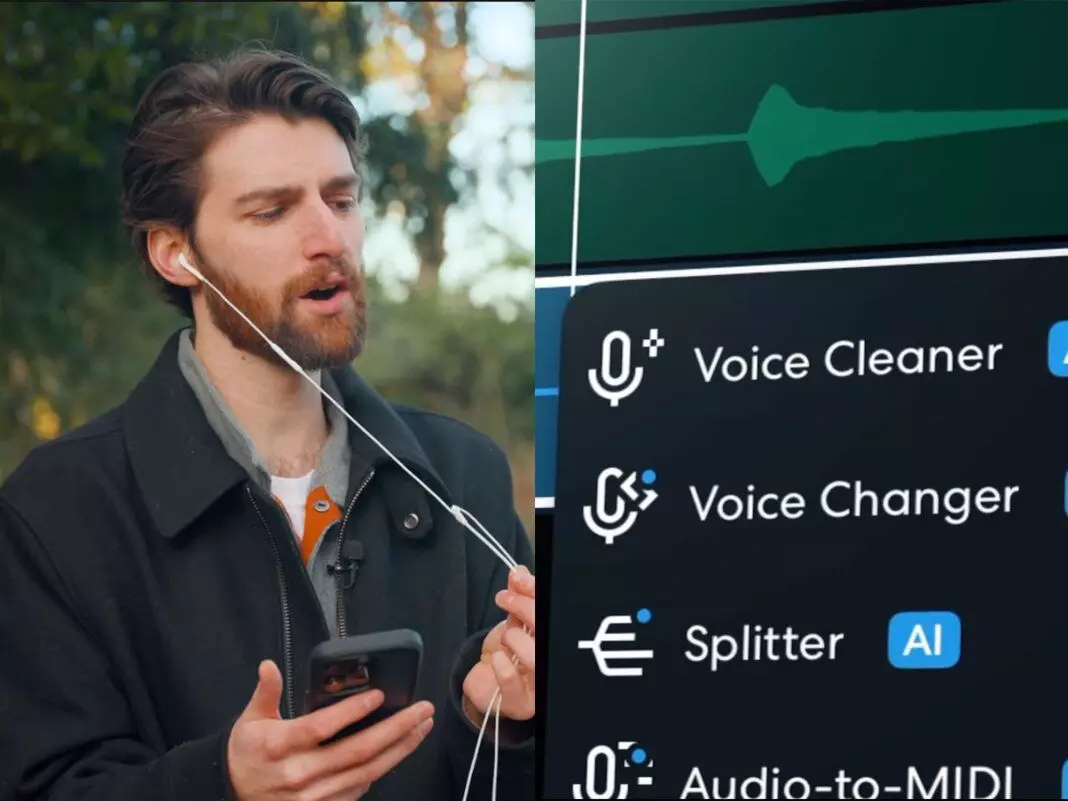
Why Meeting Audio Is Often Messy?
The recording of meetings has become a necessity of a modern team. Regardless of what video-conferencing solution you use, be it Zoom, Google Meet, or Microsoft Teams, recording conversations assists in documentation, collaboration, and training. But there is a big problem and that is bad audio quality.
Meetings, in contrast to studio recordings, tend to be uncontrolled and in unpredictable environments. The participants will be located in a variety of places, use a variety of devices, and speak in all sorts of conditions. This means that recordings tend to contain
- Background noise (fans, traffic, office chatter)
- Keyboard typing and mouse clicks
- Echo from speakers
- Uneven volume across speakers
These issues can complicate the recording and decrease its utility in terms of transcription or sharing.
The Real Problem: Why Traditional Editing Doesn’t Work
Many people try to fix meeting audio using traditional editing tools. However, this approach often fails for several reasons:
1. Multiple Speakers
Each speaker has a different voice level and tone, making uniform adjustments ineffective.
2. Layered Noise
Meeting recordings often contain overlapping noise types (e.g., echo + typing + hum).
3. Time-Consuming Workflow
Manual editing requires:
- Noise profiling
- EQ adjustments
- Compression tuning
For most users, this process is too complex and inefficient.
The Modern Solution: AI-Based Noise Removal
Meeting audio cleaning has been entirely revolutionized by AI-powered tools.
Rather than manually balancing the frequencies of sounds, AI systems process the recording as a whole and separates itself independently:
- Speech
- Background noise
- Environmental sounds
This is good because it can be cleaned quickly and correctly without technical expertise.
To illustrate, services such as DeVoice enable users to remove noise from audio online free content on the internet without needing to pay, so that it can become effortless to work with recordings of meetings directly in a browser.
AI vs Traditional Editing: What’s the Difference?
Feature | Traditional Editing | AI Noise Removal |
Ease of Use | Complex | Beginner-friendly |
Speed | Slow | Fast |
Accuracy | Depends on skill | High |
Multi-speaker handling | Limited | Strong |
Setup | Software required | Online |
AI clearly offers a more practical solution for everyday users, especially in business environments where speed matters.
Step-by-Step Workflow: Cleaning Meeting Audio with AI
Step 1: Upload Your Recording
Get started by uploading your meeting file (audio or video). The majority of tools accept MP3, WAV or MP4. Using browser-based solutions, such as DeVoice, you need not install anything, you can simply drag and drop your file.
Step 2: Let AI Process the Audio
Once uploaded, the AI will automatically analyze the recording and detect:
- Voice segments
- Background noise
- Silent gaps
This step usually takes only a few seconds.
Step 3: Preview and Export
Before downloading, listen carefully to ensure:
- Voices sound natural
- Noise is reduced without distortion
Then export the cleaned file for further use.
Practical Use Cases
Cleaning meeting recordings is useful in many scenarios:
1. Internal Documentation
Clear recordings help teams revisit discussions and decisions.
2. Transcription Accuracy
Better audio leads to more accurate transcripts.
3. Client Communication
Professional audio improves how your brand is perceived.
4. Training Materials
Clean recordings can be reused for onboarding and education.
Tips for Better Meeting Recordings
Even though AI can fix many issues, improving your recording setup helps significantly:
- Use a headset instead of built-in microphones
- Mute when not speaking
- Record in quieter environments
- Avoid speaker playback (reduces echo)
Conclusion
Recording of meetings does not need to be a mess. You will be able to use AI-based tools to quickly reduce the noise in audio to clean and high-quality recordings in seconds.
It doesn't matter whether you are recording the conversations that happen within the organization or you're sharing information with clients; with a solution like DeVoice , you can clean meeting audio online without going through the complicated editing process.





